HEAD → main2026-09-29
$ cat projects/expensieve/README.md
Expensieve
Forward a bank alert, snap a receipt or paste a message, and it becomes a categorized expense in your monthly report.
- status
- beta
- started
- 08/2026
- stack
- Go · SQLite/Turso · Tesseract OCR · OpenRouter · Cloudflare Email Workers · WhatsApp
## why
Most of my spending already leaves a trail: a card alert from the bank, an e-receipt in my inbox, a PayLah notification, a paper receipt in my pocket. But turning that trail into an expense tracker always meant typing each one into an app or a spreadsheet, and I never kept it up for more than a couple of weeks.
So Expensieve starts from the receipts I already get. Forward them, share them or snap them, and they’re read, categorized and added to a monthly report I never have to build. And since receipts are full of personal details, it reads as much as it can on its own server before anything is sent to an AI.
The name is a pensieve for your expenses, from Harry Potter: you pour the memories in and look back at them later.
## how it works
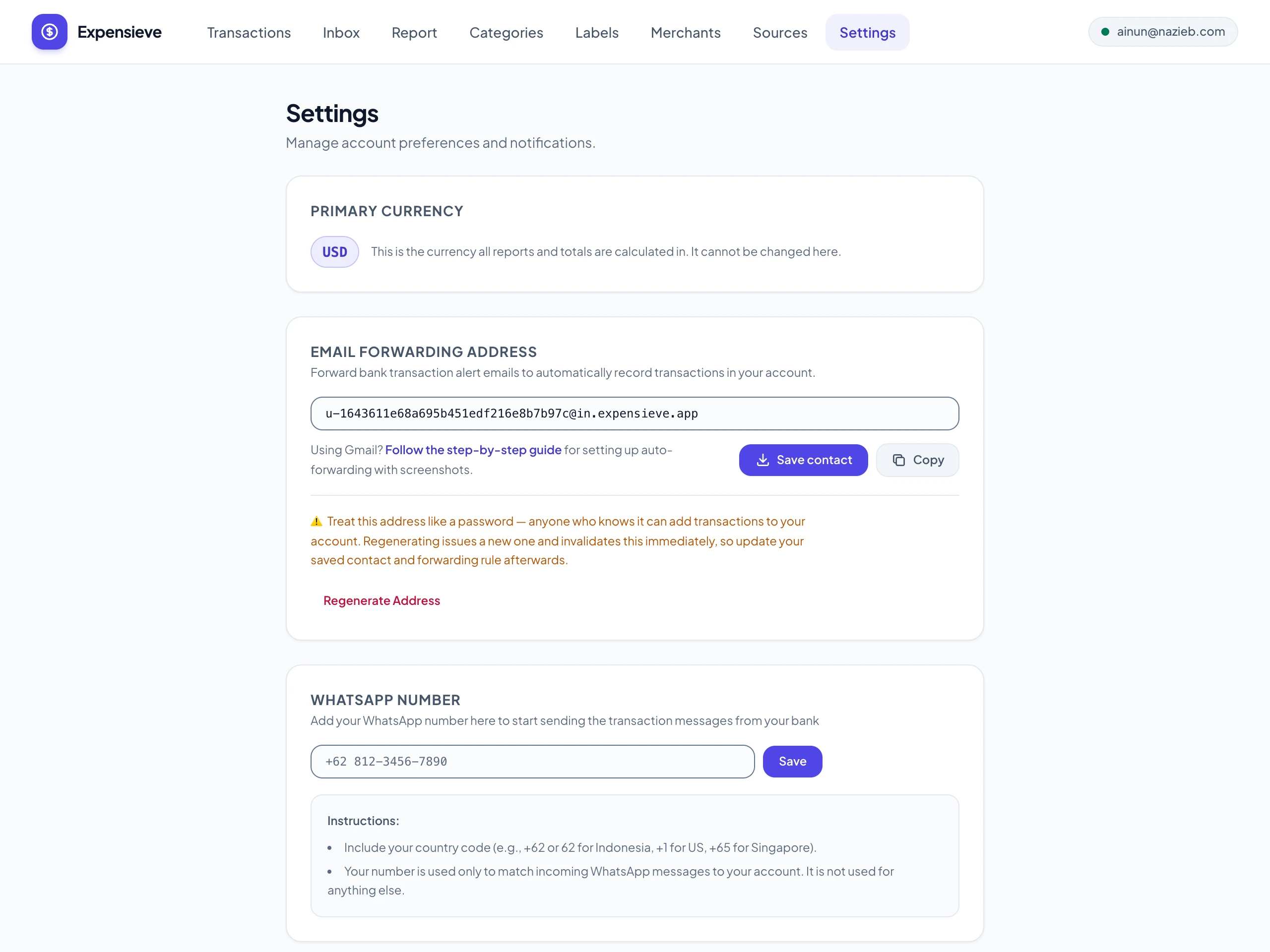 2 views01 send it in Every account gets its own forwarding address, so bank alerts and e-receipts can be forwarded from Gmail, or set to forward automatically. Or send them to Expensieve on WhatsApp, share them from another app, snap a paper receipt, upload a PDF, or just type it in.
 2 views02 read on the server first Known bank alerts are parsed by plain rules, and receipt photos and PDFs are read by OCR on the server. Only what's left goes to an AI model, with emails, phone numbers and card digits scrubbed out, and a photo is sent to the vision model only if you allow it for that receipt.
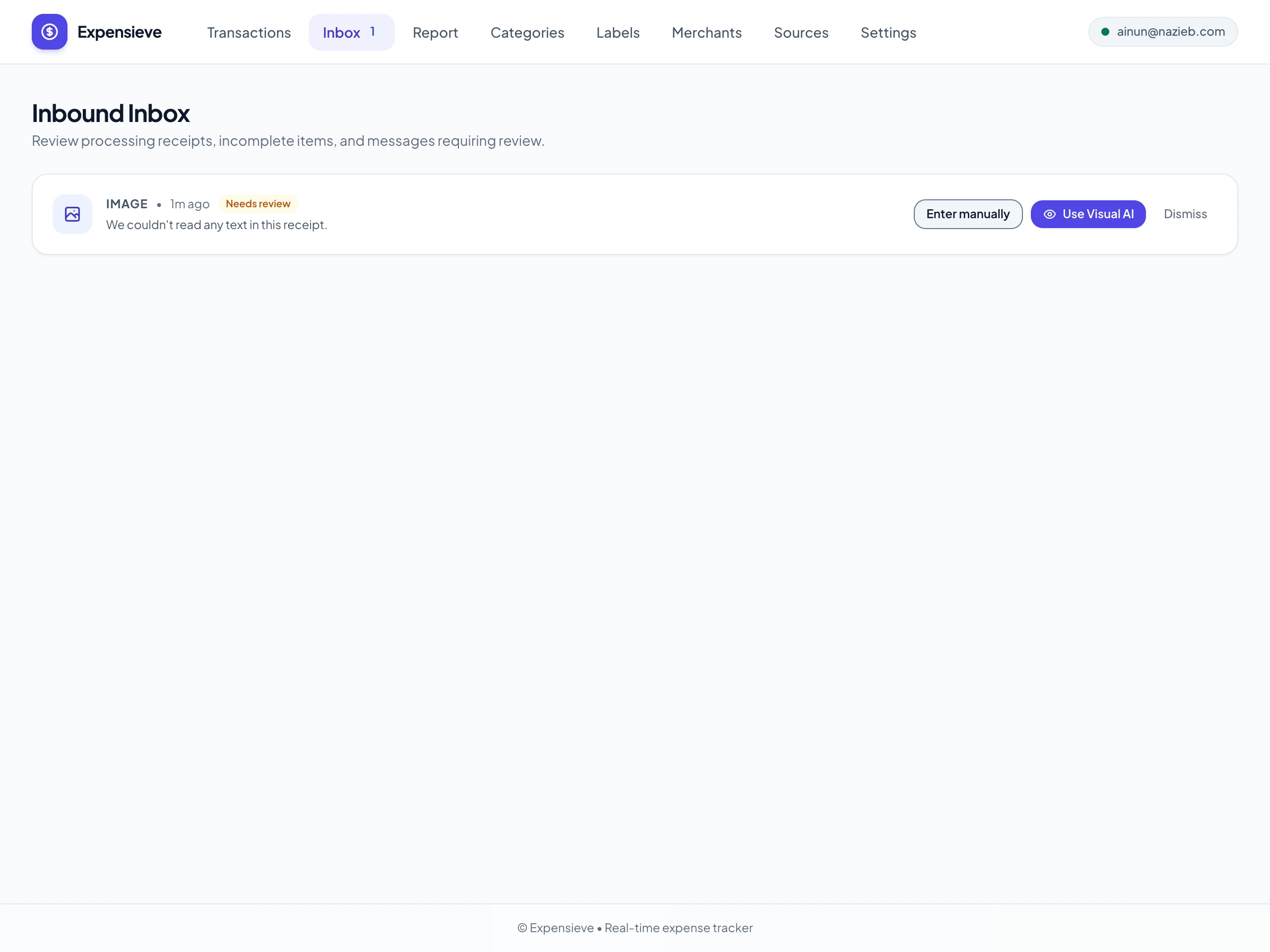
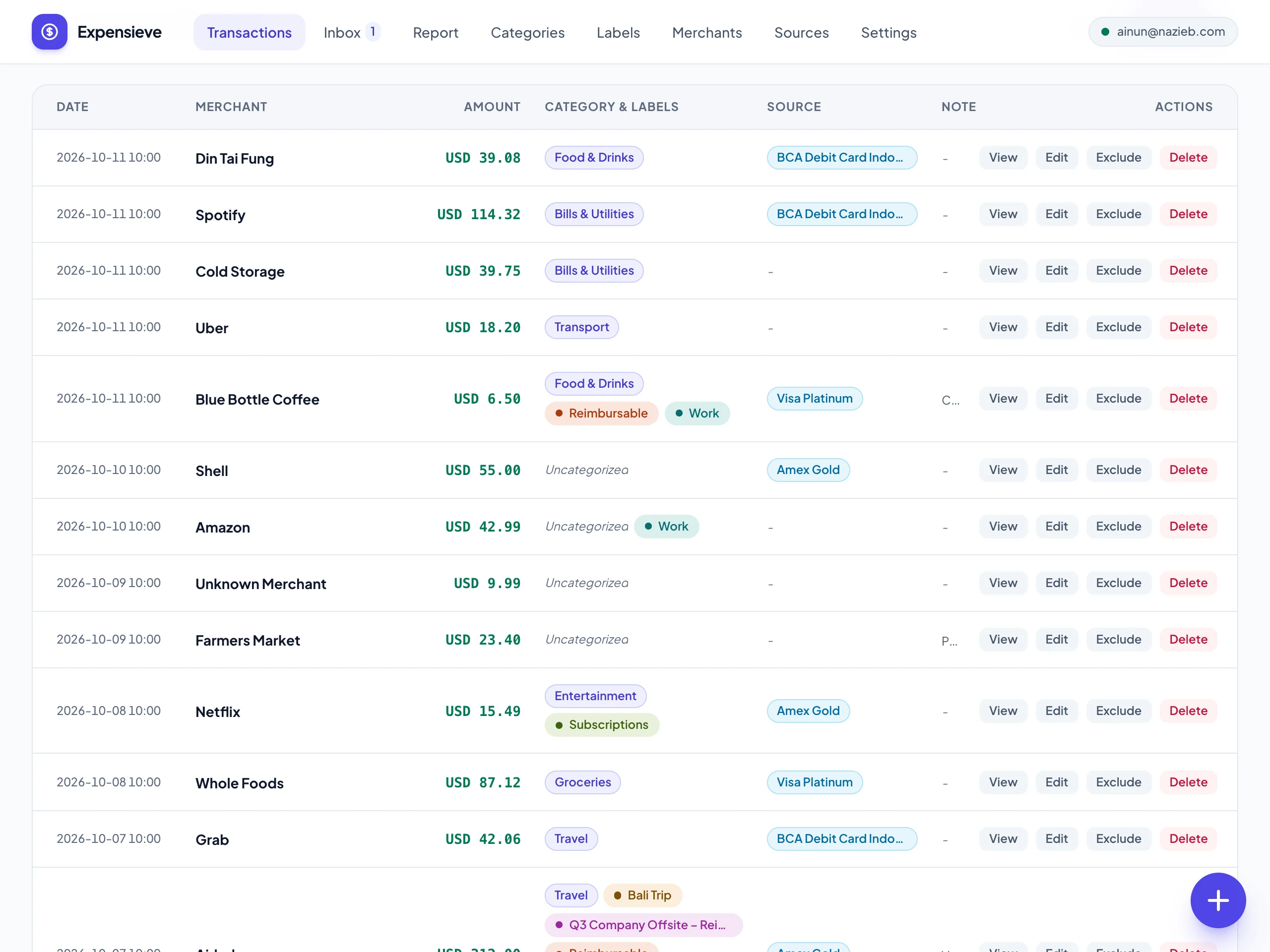 2 views03 sorted for you Each expense gets the merchant, amount, date and time. The category comes from how you filed that merchant before, then from keyword rules, and the card or account from the identifiers you gave it, like its last four digits; AI only fills in what's still open. A foreign purchase keeps its original amount next to the converted one.
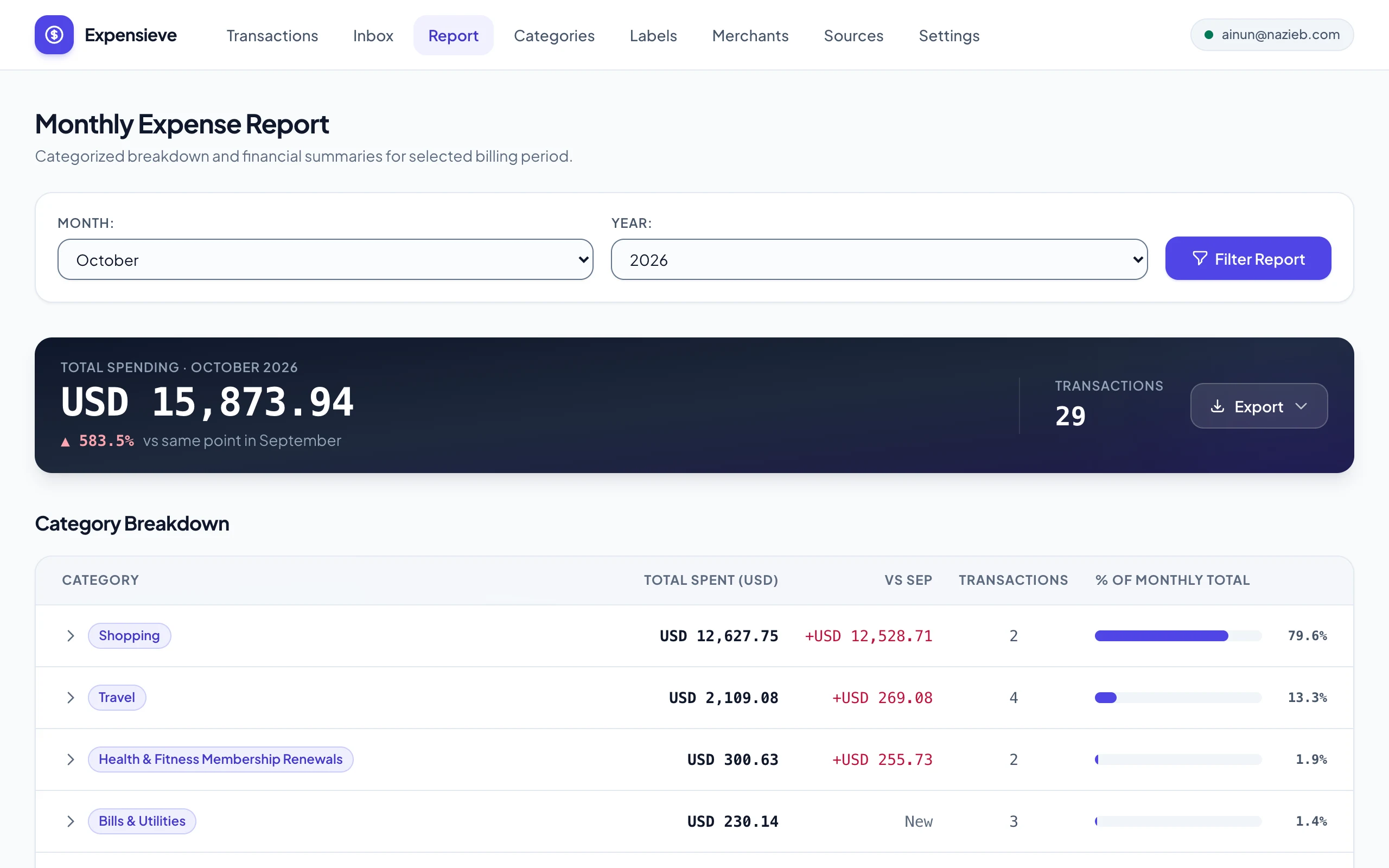
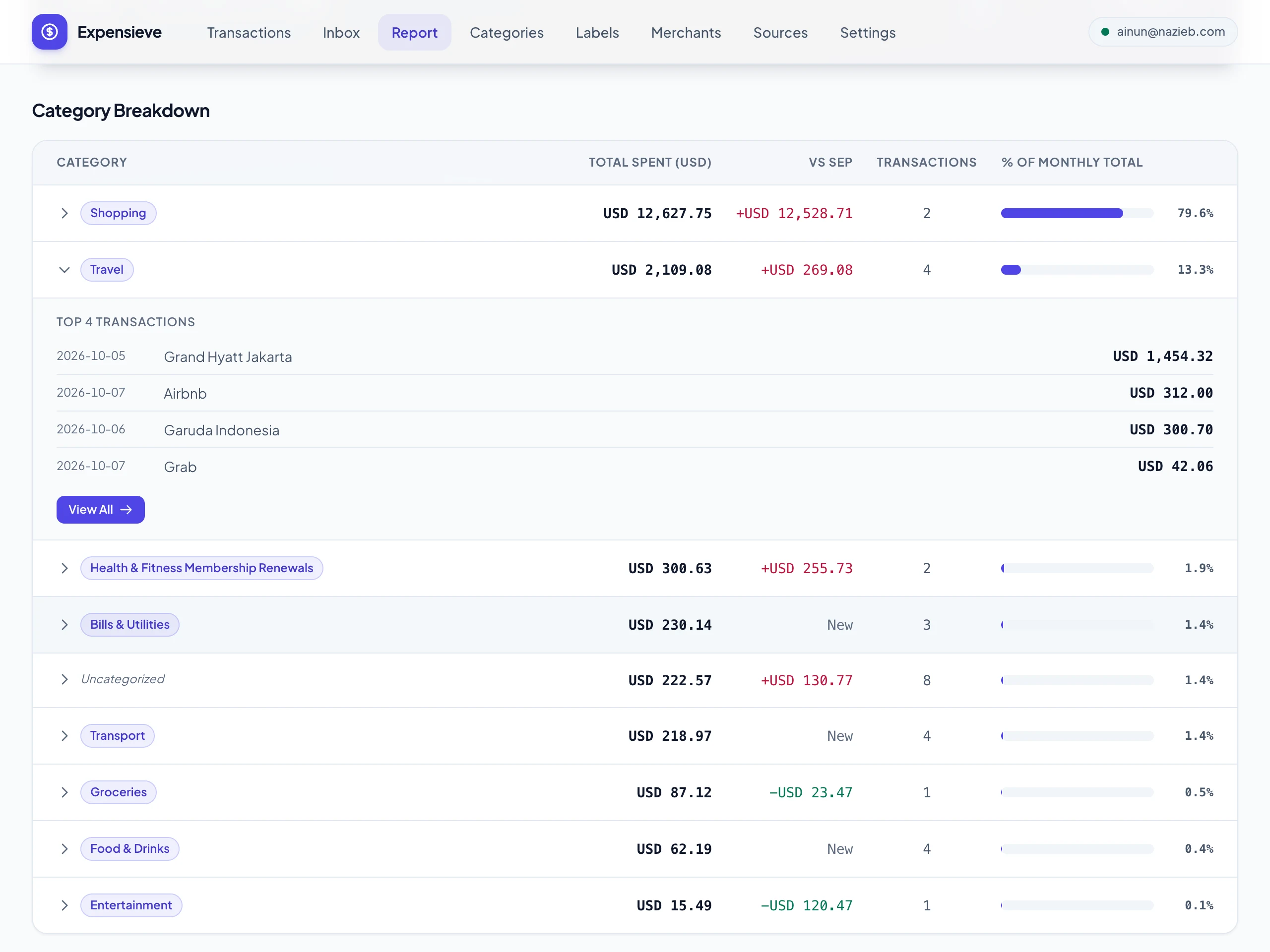 2 views04 the report writes itself The monthly report breaks spending down by category, card, merchant and label, and compares it with the same point last month. Each card can follow its own billing cycle, and the transactions behind any row can be exported to CSV, Excel or Google Sheets.
## stack
- Go net/http + html/template// backend
- The same setup as Jalan and CanTrip; the server renders every page as plain HTML, and receipts are processed by background jobs in the same binary.
- SQLite / Turso// database
- SQLite for fast iteration in development; Turso, a hosted SQLite, in production.
- Tesseract + Poppler// data
- Reads receipt photos and PDFs on the server, in English and Indonesian, so most receipts never leave it.
- OpenRouter// ai
- Reads the messages the rules can't, and looks at a receipt photo only when OCR fails and you've agreed to it. Jev, OpenRouter's decisions model, picks the category and card when your own rules can't.
- Cloudflare Email Workers// infra
- Receive the mail sent to each user's forwarding address, keep the PDF attachments, and pass it on to the app.
- WhatsApp Cloud API// data
- Send a receipt or a payment message to Expensieve's number, and it replies with a link to the new expense.
- Google Drive / R2// storage
- Receipt files go to your own Google Drive, or to Cloudflare R2 if you'd rather not connect it, served only to you through the app.
- PWA + Web Push// frontend
- Installs to the home screen, takes receipts from the share sheet, and sends a notification when an expense lands.
$ git log --oneline
- 2026-09-28
Export a report's transactions to CSV, Excel or Google Sheets
- 2026-09-26
Labels for transactions, with a breakdown per label
For the spending that cuts across categories, like a trip or a renovation.
- 2026-09-17
Merchant breakdown in the monthly report
- 2026-08-23
Receipts are read on the server before any AI sees them
OCR runs locally, personal details are scrubbed from what's sent, and sending a photo to the vision model needs your consent per receipt.
- 2026-08-22
Keep receipt files in your own Google Drive
- 2026-08-20
PDF receipts from email, upload, WhatsApp and the share sheet
- 2026-08-18
Expenses sent over WhatsApp
- 2026-08-17
Receipt photos, and accounts for more than one person
Each person gets their own data and their own forwarding address.
- 2026-08-16
Type an expense in, or share one from another app
- 2026-08-15 · initial commit
Forwarded bank alerts turned into categorized expenses
The first MVP: DBS and PayLah alerts parsed from email, with Google sign-in, foreign currencies and push notifications.