HEAD → main2026-10-14
Export the itinerary as calendar feed
The itinerary now can have be exported as `.ics` feed, and can be subscribed from Calendar apps.
Drop in your booking receipts, get a day-by-day itinerary, and see what's still missing before you fly.
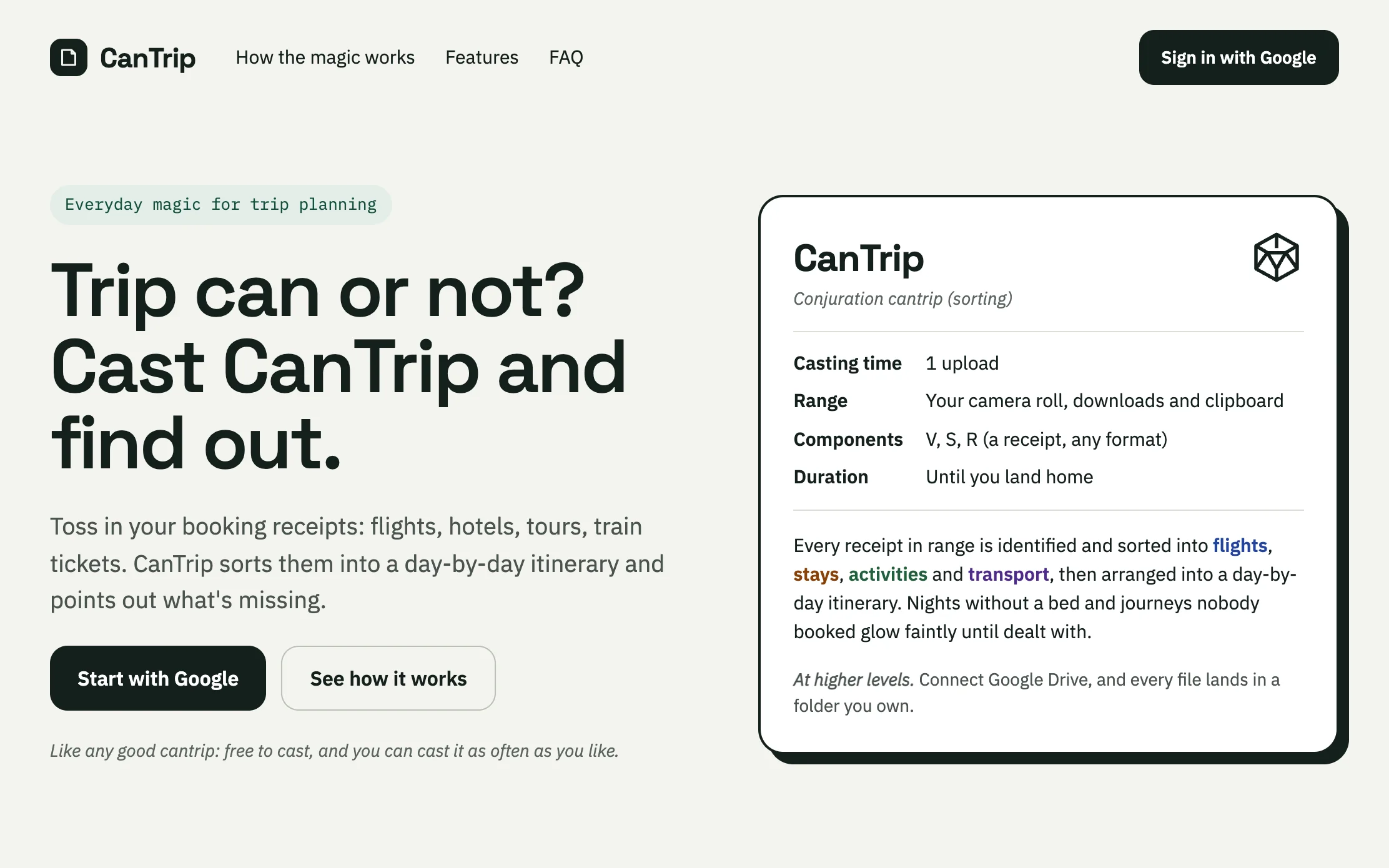
When I plan a trip, sometimes I can be a little bit obsessed with getting everything well-planned. Maybe it’s the OCD in me, but travel still feels like a luxury, and when I spend on a luxury, I want to do it right.
I’m not really into minute-by-minute details of the whole trip, but it’s very important to me to see the shape of the daily itinerary: what to do, how to get there (especially since we mostly use public transport), and what to eat around there (specifically because we have dietary restrictions).
I’ve tried a lot of travel planner apps out there, but none of them really offers what I want. Some of them are built around giving you recommendations in the hope that you’ll buy/book stuff through their affiliate links. Nothing wrong with that business model, it’s just not how I usually plan a trip. So I always end up falling back on good ol’ Excel files and spreadsheets. They work, but operating them feels like a second job, and that’s why I came up with CanTrip.
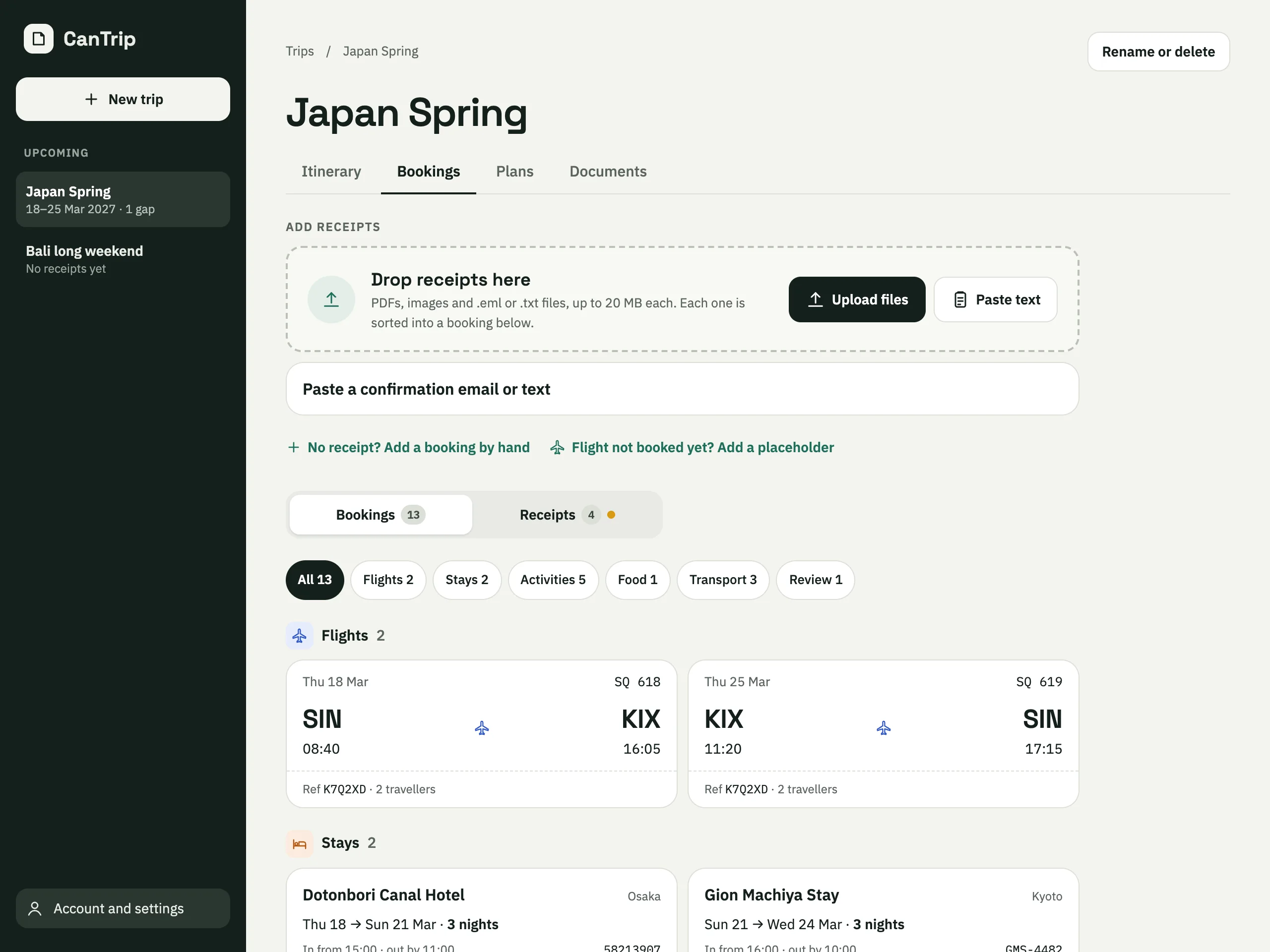
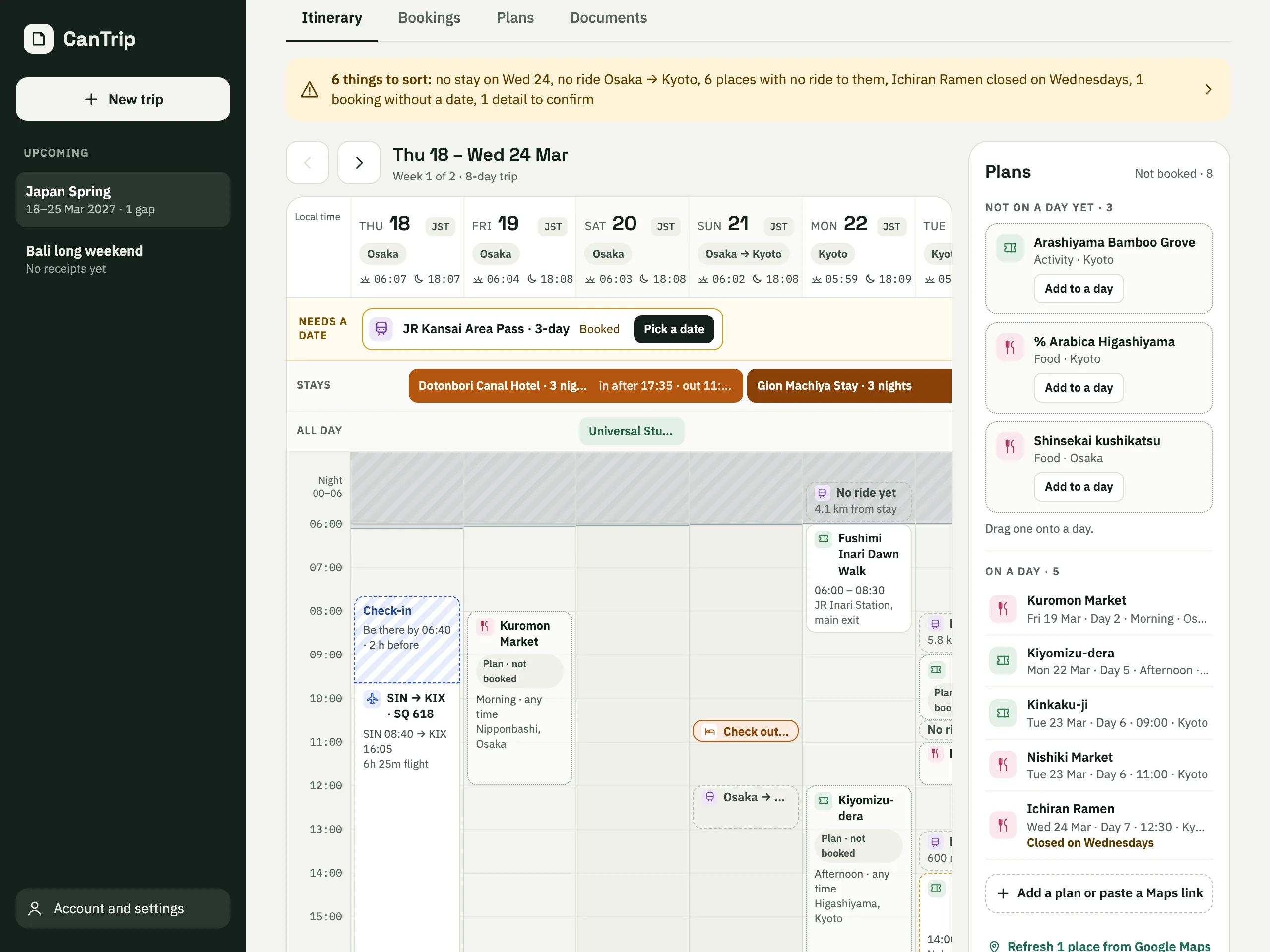
The idea is simple: with CanTrip, I can just drop in my bookings, usually flight & hotel first, and it will generate the itinerary board for me to fill in the blanks, either by booking other activities or by dropping Map links of places I want to visit or food that I’ve confirmed I can have.
No recommendations I didn’t ask for, and no spreadsheet to babysit. Just my trip, taking shape one day at a time.
Fun fact: the name CanTrip is a double entendre. First, it’s a play on the Singlish phrase “Can trip?”, which is the question the app tries to answer (and also a nod to Singapore, where the app was conceived). Second, it’s borrowed from cantrip in D&D, a type of magic that’s cheap to cast and available to almost all classes.
 2 views
 2 views
 2 views
 2 views
The itinerary now can have be exported as `.ics` feed, and can be subscribed from Calendar apps.
The calendar or the day-by-day list, downloaded or saved straight into the trip's Google Drive folder.
Add a flight by its number and day; check-in and the rides around it are worked out as if it were booked, and the real ticket replaces it once its receipt comes in.
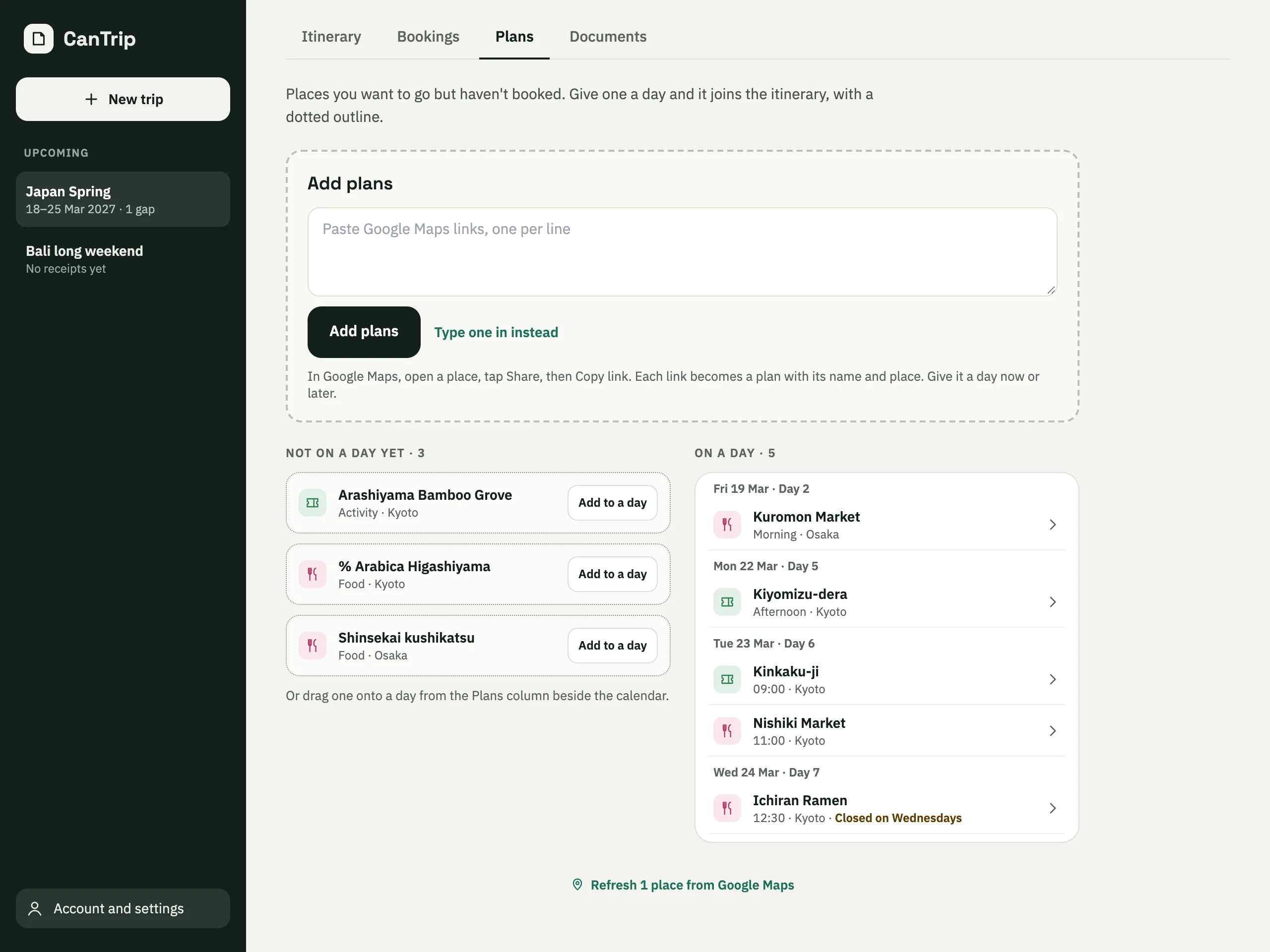
Opening hours from Google Maps turn "closed on Wednesdays" into a gap to sort, warned of the moment the plan is put there.
Makes the app more interactive and snappier.
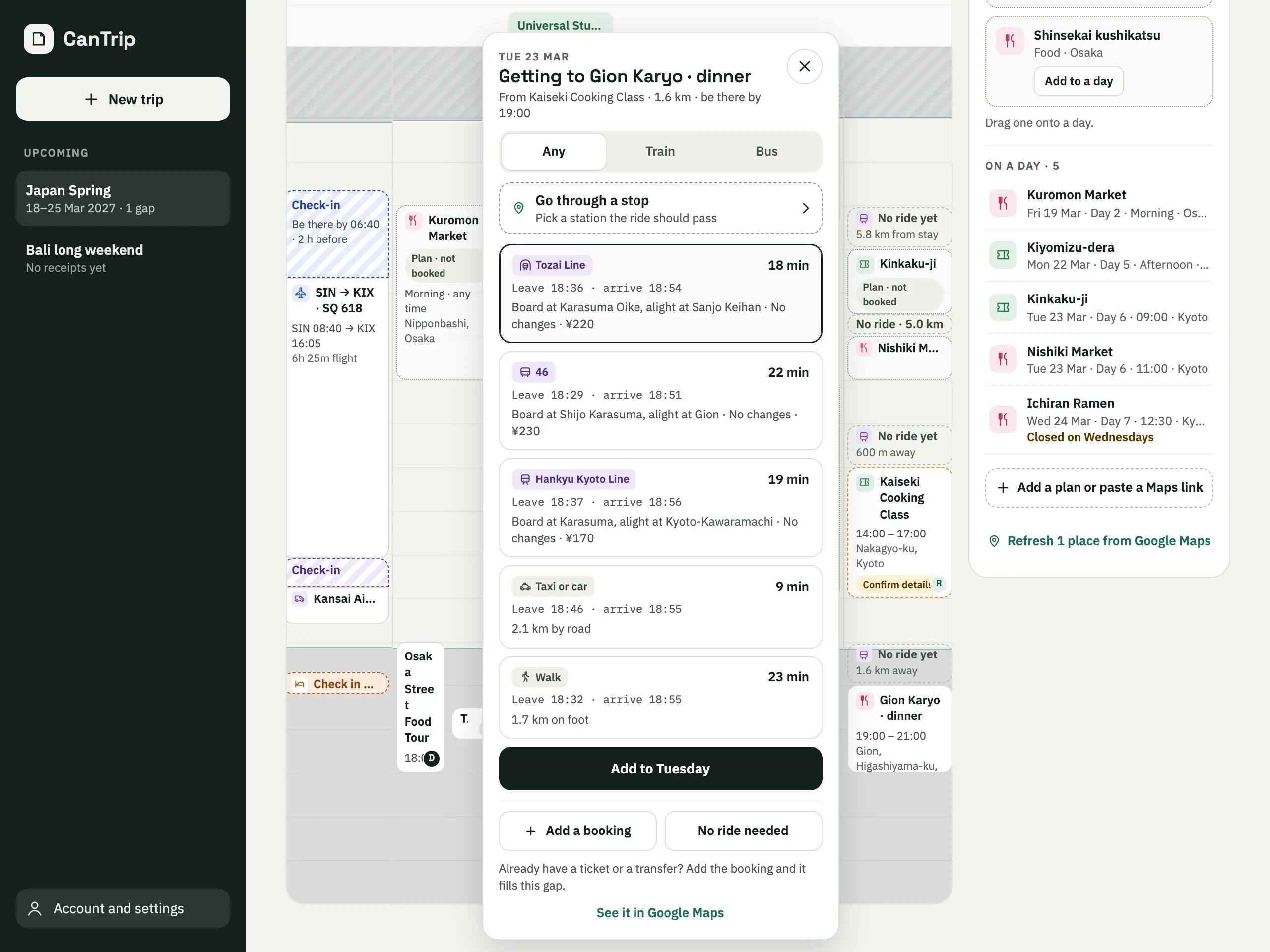
The quickest way isn't always the easiest, so a ride can be asked to pass the station with the express train.
Gaps between bookings get transit routes from the map providers, and flights get a check-in and a ride to the airport.
Things you don't book, with their opening hours, dragged onto a day on the calendar.
The first MVP: receipts read into bookings, the travellers named on them, and a week calendar on desktop.